

25+Accessibility Tools

Accessly enhances usability with customizable, user‑side controls (contrast, text size, reading aids, voice). It's a helpful tool to support more visitors and reduce barriers. Important: Widgets alone cannot ensure full WCAG compliance. Use our widget together with professional audits and code remediation to pursue legal accessibility standards.
Visual Settings
- Text enlargement up to 200%
- Adjusting line and letter spacing
- Text weight regulation (from thin to bold)
- Text magnifier
Cognitive Support
- Image hiding
- Disable animations
- Page structure display
- Dyslexia font
Audio and Control
- Text-to-speech (AI voice)
- Voice commands (Chrome, Edge)
- Enlarged cursors (black/white)
Specialized Profiles
- Visually impaired profile
- Colorblind profile
- ADHD profile
- Epilepsy-safe profile
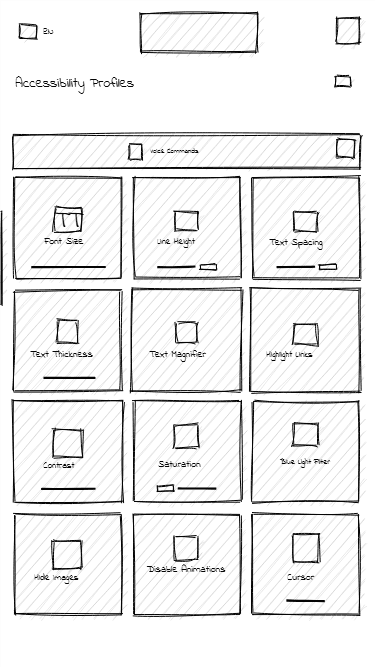
Plan
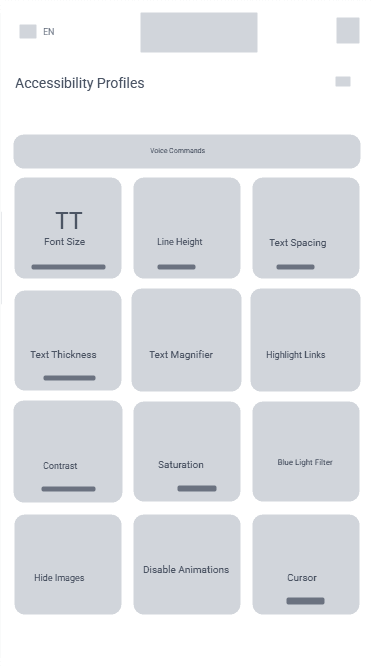
Mockup
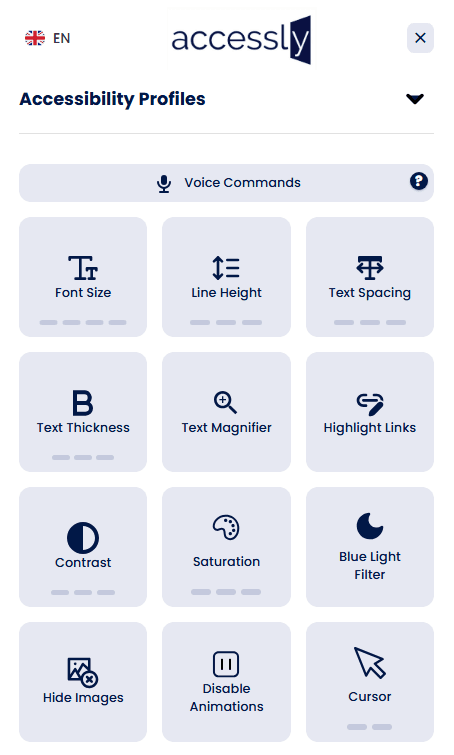
Live
What widgets can help with
- User-side contrast adjustments
- Text size and spacing controls
- Simple navigation enhancements
- Basic ARIA attribute fixes
What widgets cannot fix
- Complex keyboard navigation issues
- Semantic markup problems
- Form labeling and validation
- PDF, media, canvas/SVG content
How to fix these issues?
Widgets cannot solve code-level problems. To achieve full compliance, you need a professional audit and manual remediation.
Explore Audit Services